
Why Website Page Speed Optimization Matters (And How To Fix It)
Imagine walking into a shop where the door takes 8 seconds to open. You’d probably turn around and try somewhere else. That’s exactly what happens when your website loads slowly, potential customers leave before they even see what you offer.
Page speed is no longer just a technical metric that developers worry about. In 2026, it directly impacts your Google rankings, your conversion rates, and ultimately your revenue. Whether you run an eCommerce store, a service business, or a corporate website, slow load times are quietly costing you money every single day.
In this guide, we break down exactly why page speed matters, what causes websites to slow down, and the practical steps you can take to fix it based on our real-world experience optimising dozens of client websites.
Table of Contents
- What Is Page Speed And How Is It Measured?
- Why Page Speed Matters for Your Business
- Common Reasons Why Websites Load Slowly
- How to Fix Your Website’s Page Speed: A Practical Checklist
- How to Test Your Website Speed
- How Much Does Page Speed Optimisation Cost?
- Final Thoughts
- Frequently Asked Questions
What Is Page Speed And How Is It Measured?
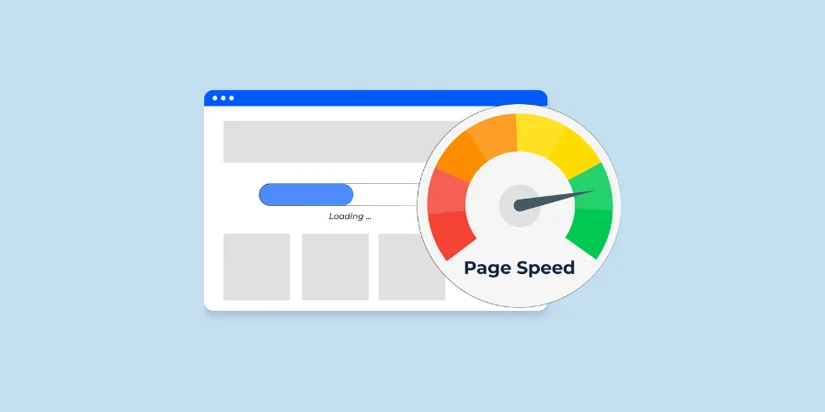
Page speed refers to how quickly a web page fully loads and becomes interactive for the visitor. It’s not just about the initial blank-to-content time Google measures it through a set of metrics called Core Web Vitals:
- LCP (Largest Contentful Paint): How long it takes for the main content of a page (such as a hero image or headline) to appear. Target: under 2.5 seconds.
- INP (Interaction to Next Paint): How quickly the page responds when a user clicks or taps. Target: under 200ms.
- CLS (Cumulative Layout Shift): How much the page visually shifts around as it loads. Target: under 0.1.
- TTFB (Time to First Byte): How fast your server starts delivering data. Target: under 800ms.
Google uses these metrics as ranking signals. A poor score on any one of them can push your page down in search results, regardless of how good your content is.
Why Page Speed Matters for Your Business

1. It Directly Affects Your Google Rankings
Google officially confirmed page speed as a ranking factor for both desktop and mobile searches. In competitive markets where multiple websites offer similar services, Core Web Vitals scores are what separates the top results from the rest. If your site scores poorly on PageSpeed Insights, you’re at a structural disadvantage, no matter how well-written your pages are.
2. Slow Websites Lose Customers Before They Arrive
Most visitors expect a page to load in under 2–3 seconds. If it takes longer, they hit the back button. This is especially critical for mobile users, who now account for over 60% of all web searches. A one-second delay in mobile load time can reduce conversions by up to 20%.
3. It Impacts Your AI Search Visibility
In 2026, it’s not just traditional Google rankings you need to worry about. AI-powered search tools like Google AI Overviews and ChatGPT Browse also favour fast-loading websites because they are easier to crawl and index. Slow sites risk being excluded from AI-generated answers entirely, a growing traffic source you cannot afford to ignore.
4. It Hurts Your Ad Spend ROI
If you’re running Google Ads or Meta Ads, sending paid traffic to a slow landing page is like filling a leaking bucket. You’re paying per click, but a slow page means visitors leave before converting. Google also factors landing page experience into Quality Score, meaning slow pages cost you more per click.
Common Reasons Why Websites Load Slowly
Through our work optimising client websites from WordPress-based businesses to large eCommerce platforms, we’ve seen the same culprits appear again and again:
- Unoptimised images: Large PNG or JPEG files that haven’t been converted to WebP or compressed properly. A single hero image can add 1–2 seconds to your LCP.
- Render-blocking JavaScript: Scripts that load before the page content, forcing the browser to wait. Third-party scripts (chat widgets, analytics, ad trackers) are frequent offenders.
- No caching in place: Without a caching layer, every visitor triggers a fresh database request. On high-traffic sites, this leads to server exhaustion and dramatically slow responses.
- Slow server / shared hosting: Budget shared hosting puts your site on overcrowded servers. If your TTFB is above 1 second, your hosting is likely the bottleneck.
- Unused CSS and JavaScript: Themes and page builder plugins (like WPBakery, Elementor, or Divi) often load styles and scripts for every page — even when they’re not needed.
- Too many plugins:Each WordPress plugin adds weight. Some introduce their own external script calls, fonts, or stylesheets that multiply load time.
- Google Fonts loaded incorrectly: Loading multiple font weights or using render-blocking font declarations adds unnecessary latency to every page.
- No CDN (Content Delivery Network): Without a CDN, all requests go to a single server. Visitors far from your server experience significantly longer load times.
How to Fix Your Website’s Page Speed: A Practical Checklist
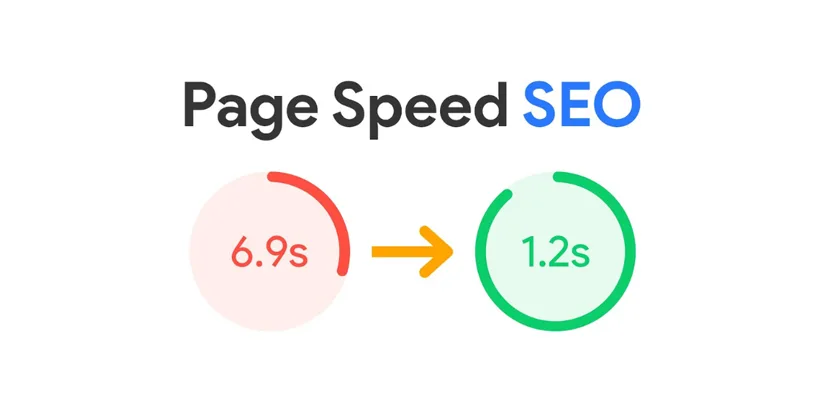
Here’s what we implement for clients during a website speed optimisation engagement. You can use this as your own action list:
Images
- Convert all images to WebP format (typically 30–50% smaller than JPEG/PNG)
- Set explicit width and height attributes on all images to prevent CLS
- Use lazy loading for images below the fold
- Ensure your hero/LCP image is preloaded and not hidden behind CSS or JavaScript
JavaScript & CSS
- Defer non-critical JavaScript so it loads after the main content
- Remove or conditionally load scripts that are only needed on specific pages
- Combine and minify CSS files where possible
- Avoid loading page builder assets globally — scope them to the pages that need them
Server & Hosting
- Upgrade to a managed WordPress host or VPS if TTFB exceeds 800ms
- Enable server-side caching (Redis or Memcached) for database query results
- Use a caching plugin like WP Rocket and configure it properly
- Enable GZIP or Brotli compression on your server
CDN & Delivery
- Implement a CDN (Cloudflare is an excellent starting point with a free tier)
- Enable Cloudflare’s proxy but configure timeouts correctly to avoid 504 errors
- Set long cache-control headers for static assets (images, CSS, JS)
Fonts
- Consolidate Google Fonts into a single request to avoid loading the same font from multiple sources
- Use font-display: swap to prevent invisible text while fonts load
- Consider using system fonts for body text to eliminate font load entirely
How to Test Your Website Speed
Before and after making changes, always measure your performance with these free tools:
- Google PageSpeed Insights (pagespeed.web.dev):The gold standard. Aim for 90+ on both mobile and desktop.
- GTmetrix: Shows waterfall charts that reveal exactly which resources are slowing you down.
- Google Search Console: Core Web Vitals report shows real-world performance data from actual visitors.
- PingdomUseful for testing load time from different geographic locations.
How Much Does Page Speed Optimisation Cost?
The cost depends on the complexity of your website and what’s causing the slowdown. A basic WordPress site might need a few hours of configuration work. A large eCommerce platform with custom integrations may require a structured audit and multi-phase fixes.
At Ingenious Netsoft, we offer website performance audits and speed optimisation as part of our web development and maintenance services. Our team has experience optimising WordPress sites, custom PHP applications, and Node.js platforms, from initial audit through to measurable PageSpeed score improvement.
The return on investment is almost always immediate. Faster sites rank better, convert more visitors, and reduce bounce rates, making speed optimisation one of the highest-ROI improvements a business can make to its digital presence.
Final Thoughts
Page speed is not a one-time fix , it’s an ongoing discipline. As your website grows, as you add new plugins, content, and integrations, performance can degrade. The businesses that consistently outperform competitors in search rankings are often the ones that treat speed as a priority, not an afterthought.
If you’re unsure where your website stands, start with a free PageSpeed Insights test today. The results will tell you exactly where to focus.
Need expert help improving your website’s performance? At Ingenious Netsoft, we offer website performance audits and speed optimisation as part of our web development and maintenance services. We have a proven track record of delivering measurable PageSpeed score improvements for businesses across the UK, USA, and Canada. Get in touch with our team for a free website performance review.
Get Your Free Website Speed Audit Today!
FAQ’s
1. How fast should my website load?
2. Does page speed affect SEO?
3. My website is on WordPress – what’s the fastest way to improve speed?
4. Can I fix page speed issues myself?
5. How often should I check my page speed?
6. What are Core Web Vitals and why should businesses care about them?
7. How does a CDN improve website loading speed?
8. Why is mobile website speed more important than desktop speed?
9. What does TTFB mean in website performance?
10. How do plugins impact website speed and performance?
Related Posts

Small Business SEO Isn’t Optional Anymore. Here’s Why
You started your business with a simple idea. Serve customers well. They will tell their friends. Word will spread. Business... read more

LLM Files Explained: Can They Really Help Your Website Appear in AI Answers?
Most website owners don’t realize how much of their public content is already being accessed by large language models (LLMs).... read more

5 Utmost Important Trends To Rank On Search Engines In 2021
Every business person comes with the same ambition to seek their business on top. Whether they possess bricks and mortar... read more
Tried Two SEO Agencies: My Store Still Does Not Rank
If your store is not ranking, even after investing in the best ecommerce SEO services, the problem is not... read more